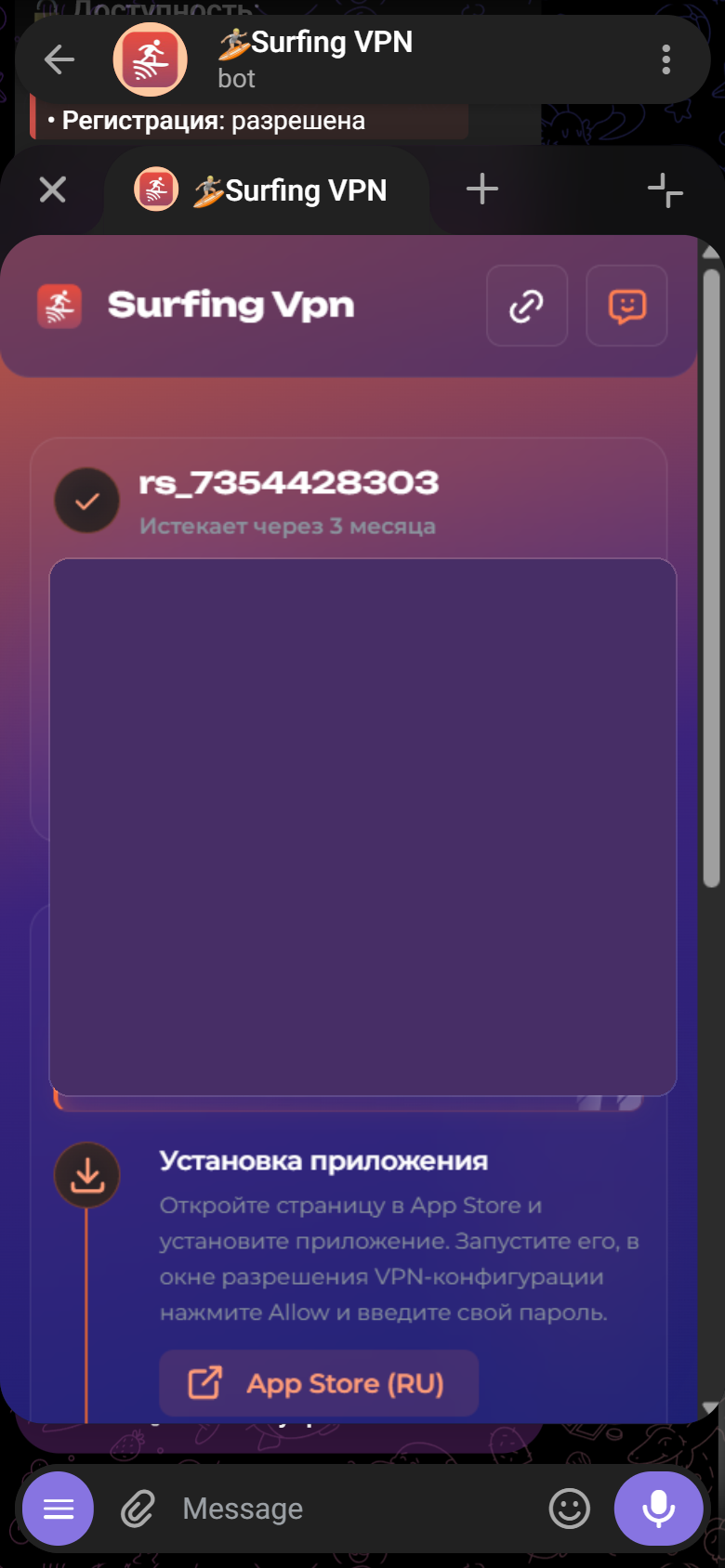

Once Happ is installed, add your subscription to it once. (If Happ isn't installed yet — install it first, see "Installing the Happ app".)
Easiest — the "Connect" button in the web account (the site lk.surfingvpn.com, opens in a browser):
- Open the "Connection" tab (bottom bar on phone, left menu on desktop).
- Choose your system and tap "Connect" — the Happ app opens and the subscription is added automatically.
- In Happ, pick a server and turn on the VPN 🌊
Manually (if "Connect" didn't open Happ):
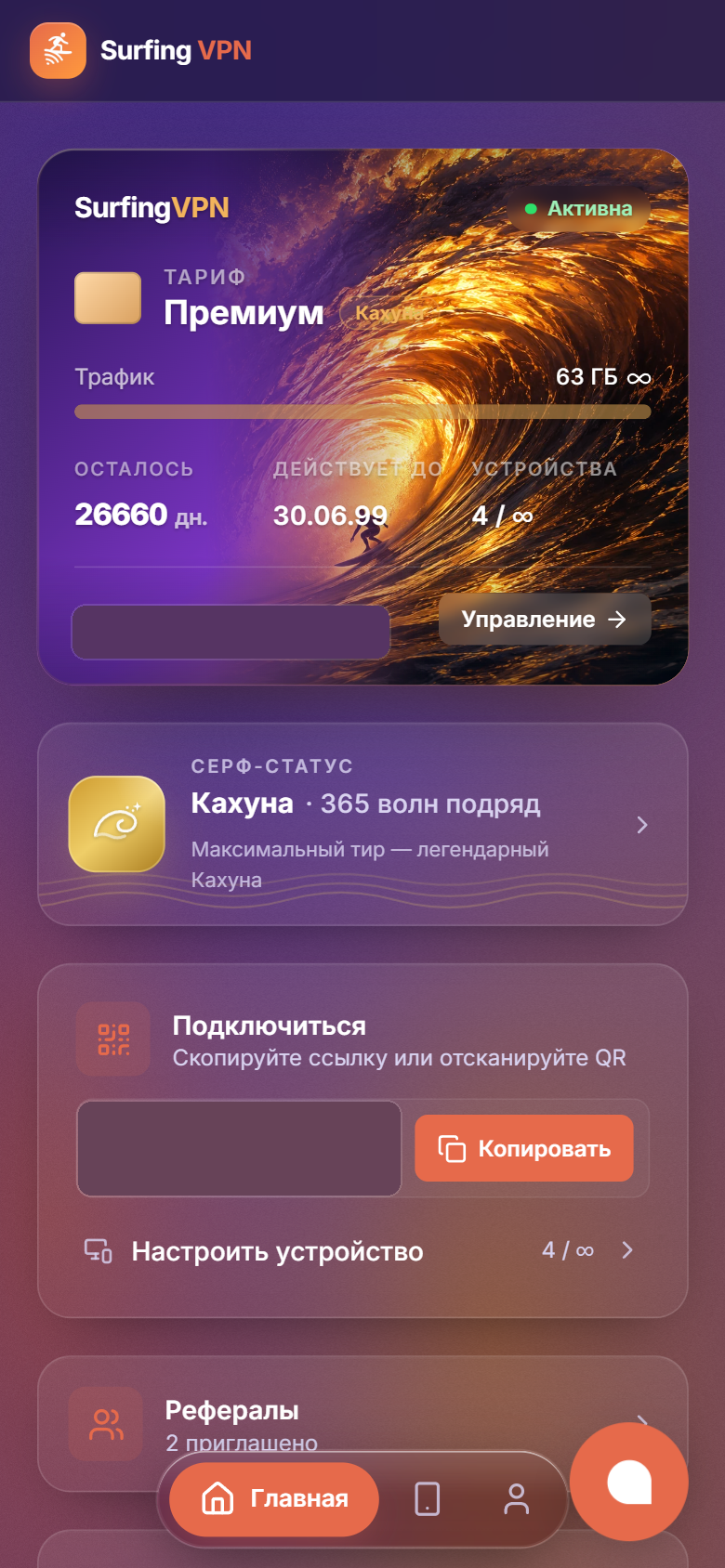
- On the Home tab, in the "Connect" panel, tap "Copy" (or show the QR code).
- Open Happ → tap "+" in the top-right of the main screen → add the subscription from the clipboard (paste the link) or by scanning the QR code.
Same via the bot: @SurfingVpnBot → 🚀 Подключиться (Connect) → ➕ Добавить подписку (Add subscription).