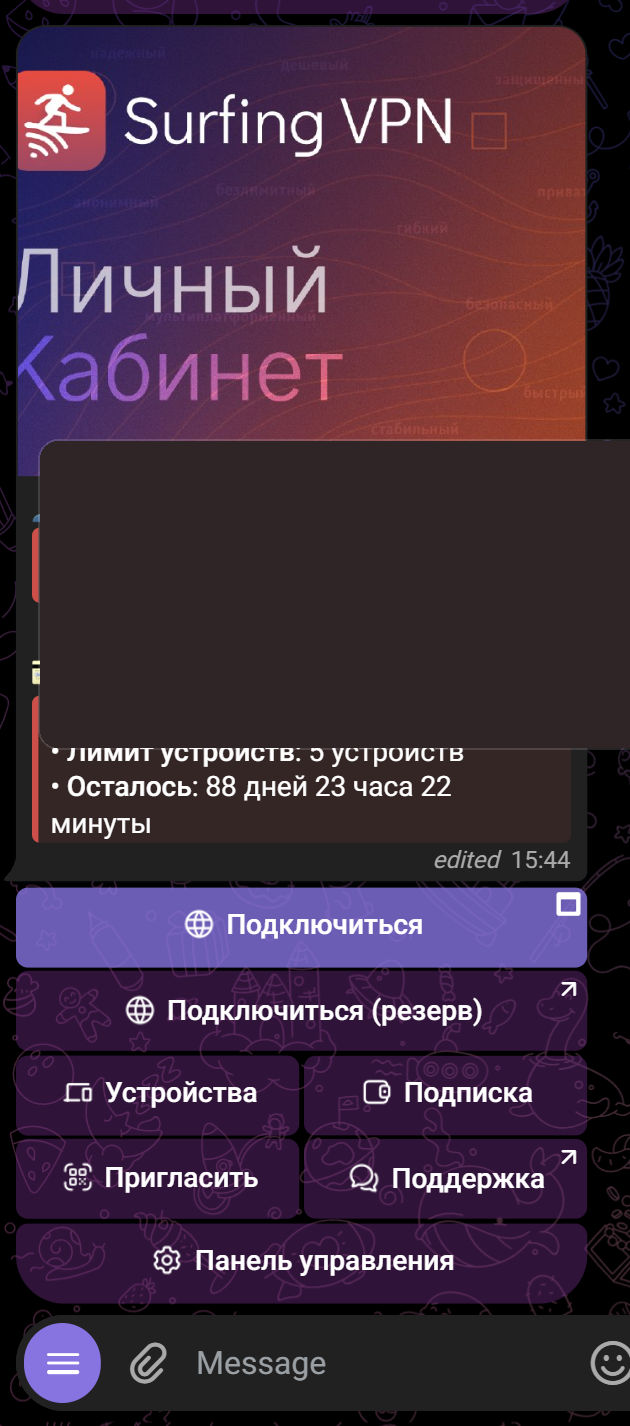
The web account is the site lk.surfingvpn.com (opens in a browser; log in with Telegram or email). It's NOT the Happ app: in the account you manage your subscription, and in Happ you connect to the VPN.
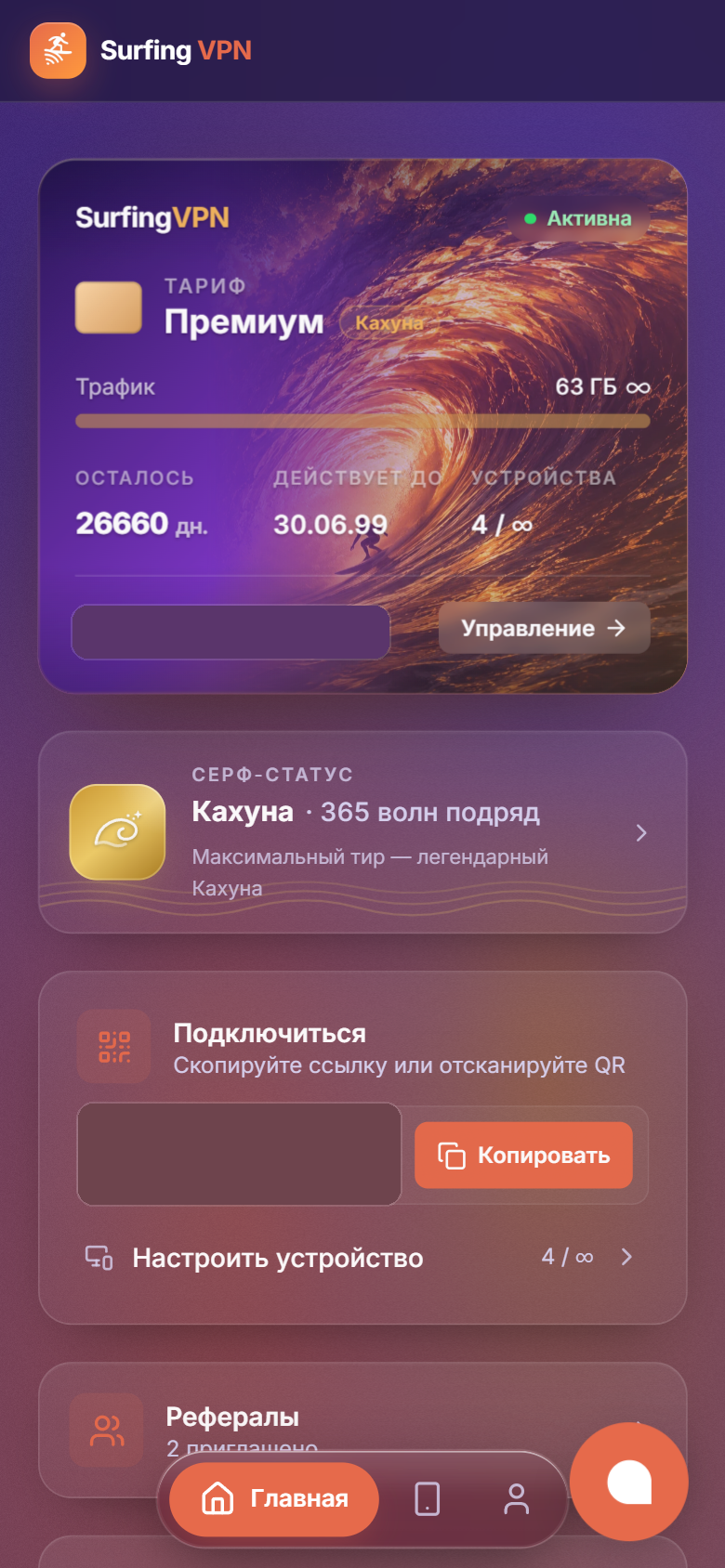
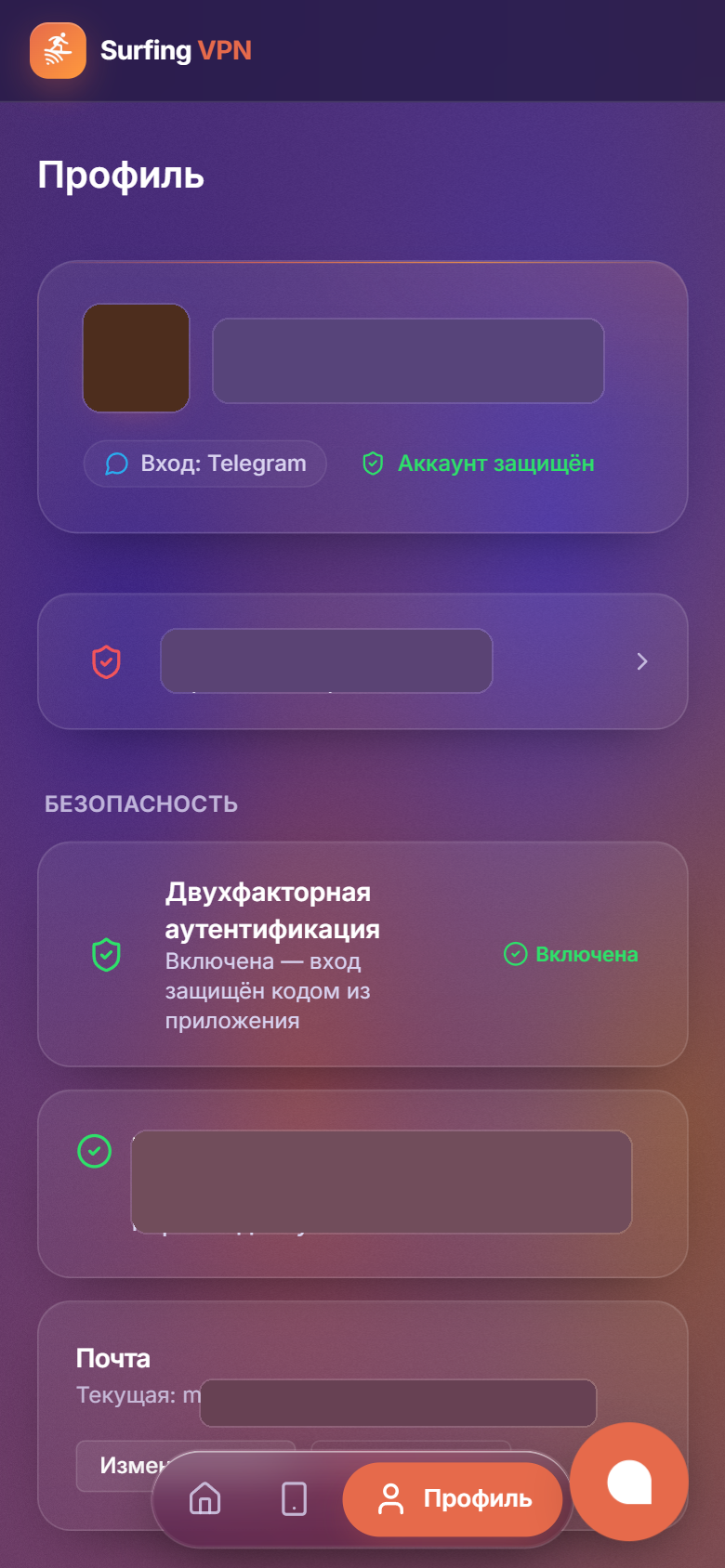
Bottom bar on phone (and left menu on desktop) — 3 tabs:
- Home — the subscription card (plan, status, expiry and traffic), the "Connect" button (link and QR), a "Referrals" row and stats. Subscription management is here too: on the card tap "Manage" → renew or change plan, re-issue the subscription, enter a promo code.
- Connection — install the Happ app and add a subscription ("Install" and "Connect" buttons), plus the list of your devices.
- Profile — account details, security (email, password, linking Telegram) and the "Account features" block: Balance, Support, Information.
The "Information" section (FAQ, server status, rules, legal info, statuses) is in Profile on phone and in the left menu on desktop.
The same is available in the Telegram bot @SurfingVpnBot.