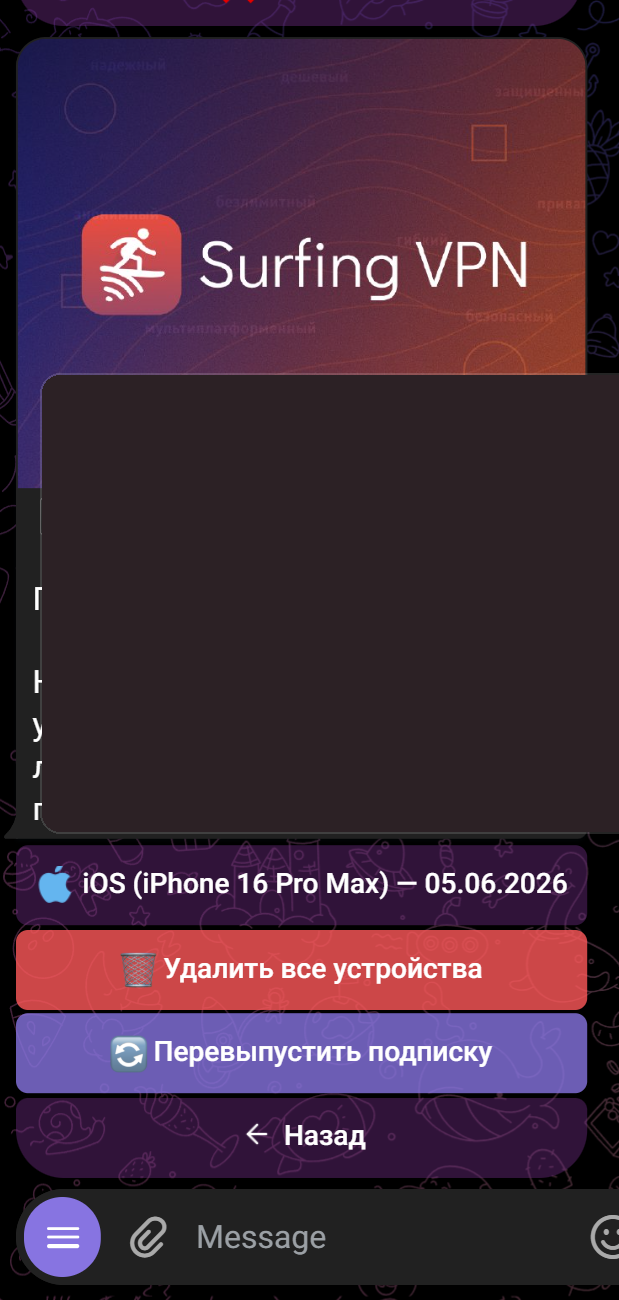
The "Connection" tab in the web account (the site lk.surfingvpn.com) — bottom bar on phone, left menu on desktop.
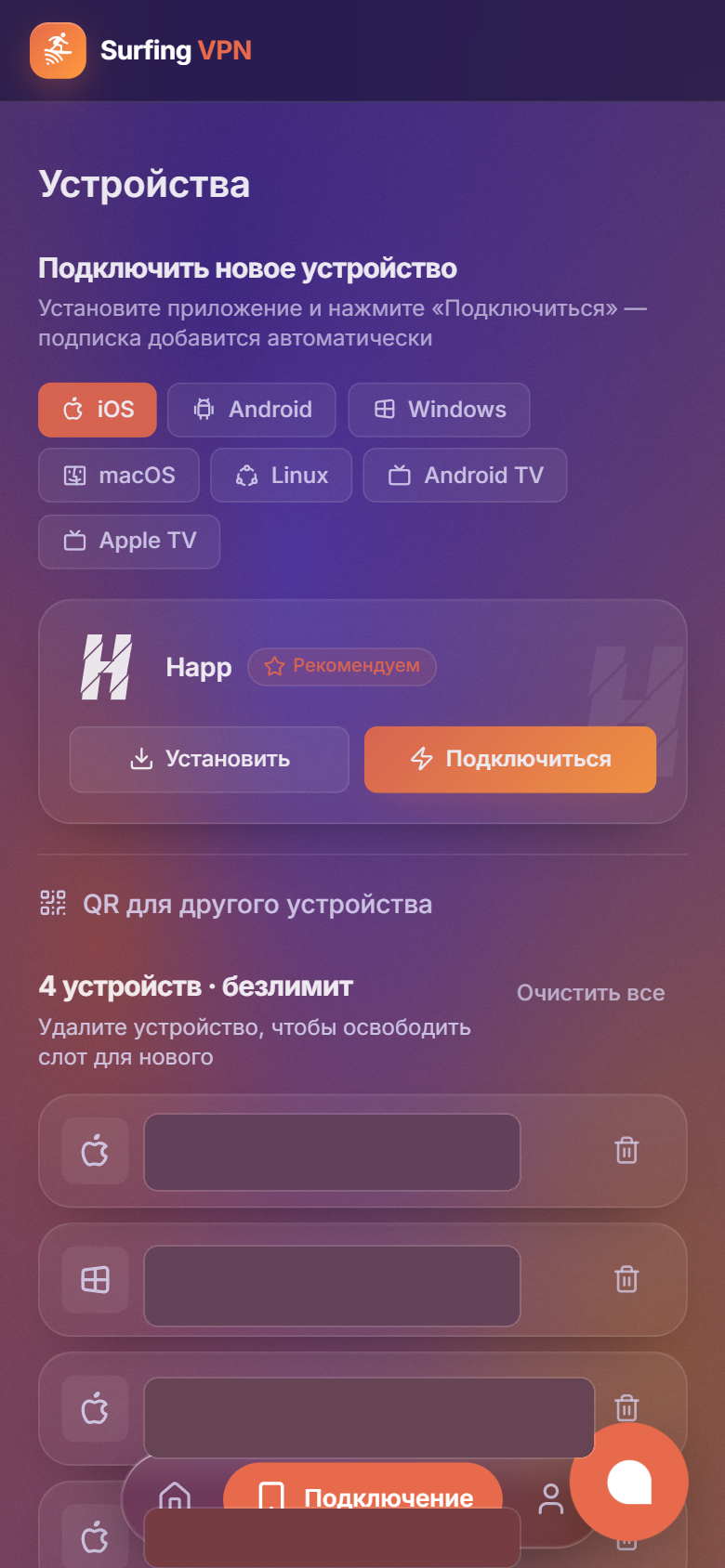
What you can do:
- at the top, the "Connect a new device" block with two buttons: "Install" (installs the Happ app) and "Connect" (adds the subscription to Happ);
- below — the list of connected devices: how many are connected and the limit ("X of N");
- tap 🗑 next to a device to remove it and free a slot;
- the "Clear all" button — reset all devices at once.
If the link stopped working — re-issue the subscription: Home → subscription card → "Manage" → "Re-issue subscription". Out of slots — raise the device limit: Home → subscription card → "Manage" → "Renew / change plan".
The same in the bot: @SurfingVpnBot → 📱 Устройства (Devices).