
On lk.surfingvpn.com open the Home tab → on the subscription card tap "Manage" → the "Renew / change plan" button. If you don't have a subscription yet — on Home tap "Choose a plan" (or try the free "Trial period" first). Pick a plan and duration and pay.
When you pick a plan its description is shown: available locations, traffic limit, device limit and payment type. Payment is usually one-time — no recurring charges.
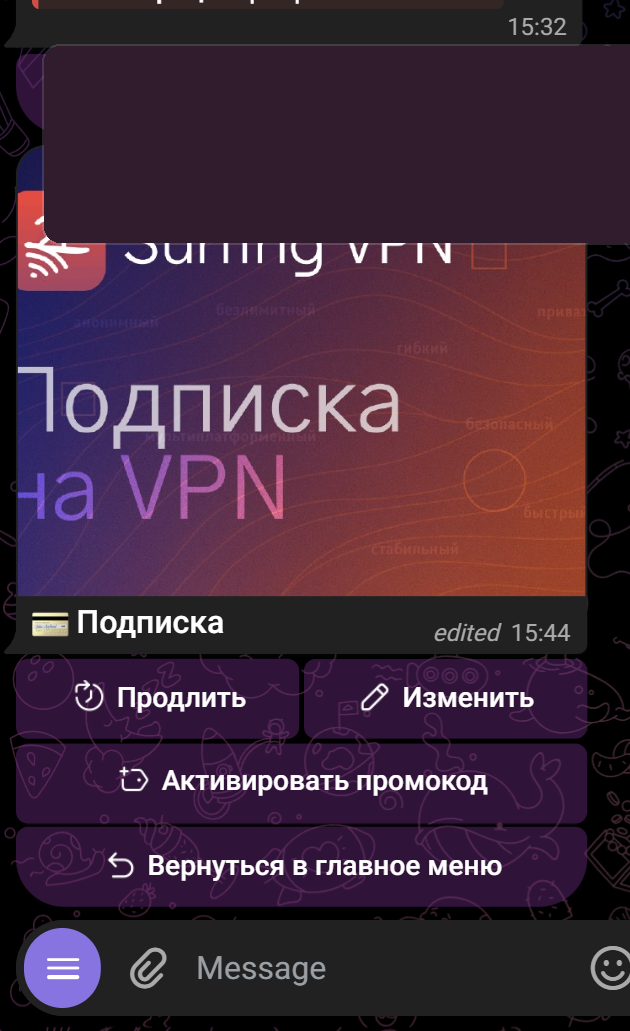
After payment, access is enabled automatically. In Happ refresh the subscription — the ⟳ icon in the subscription header (or reopen the app). You can also do this in the bot @SurfingVpnBot → 💳 Подписка (Subscription).